Golf Cart Charger Maintenance Tips to Avoid Costly Repairs
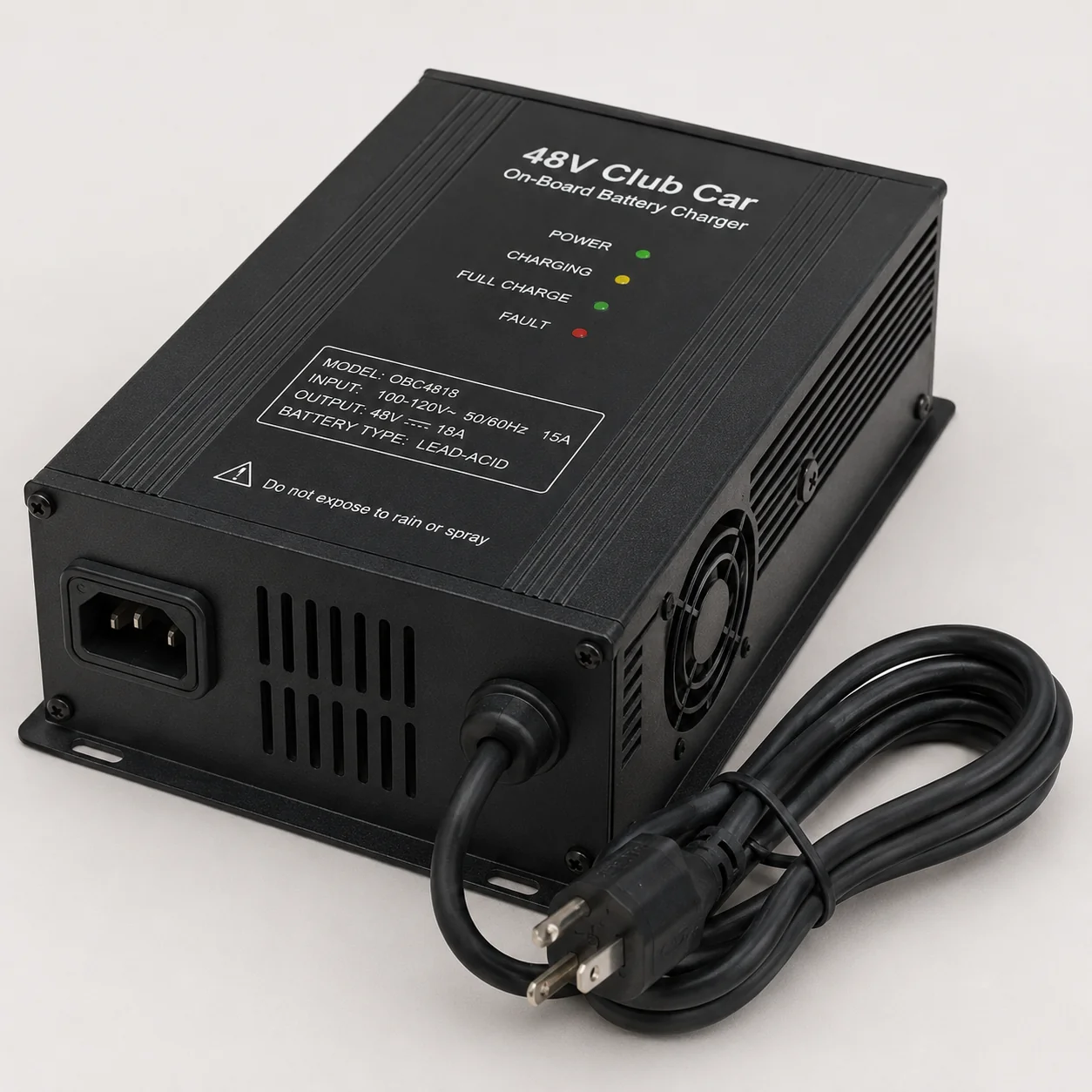
The single best thing you can do to extend your golf cart charger's life is to charge your batteries consistently and keep the charger's connections clean and dry. Most charger failures in The Villages trace back to a handful of preventable habits — overcharging, corroded terminals, and improper storage during seasonal absences. Follow the steps below and you will dramatically reduce the chance of an unexpected breakdown. Learn more about Golf Cart Charger Repair.
Why Charger Habits Matter More Than the Charger Itself
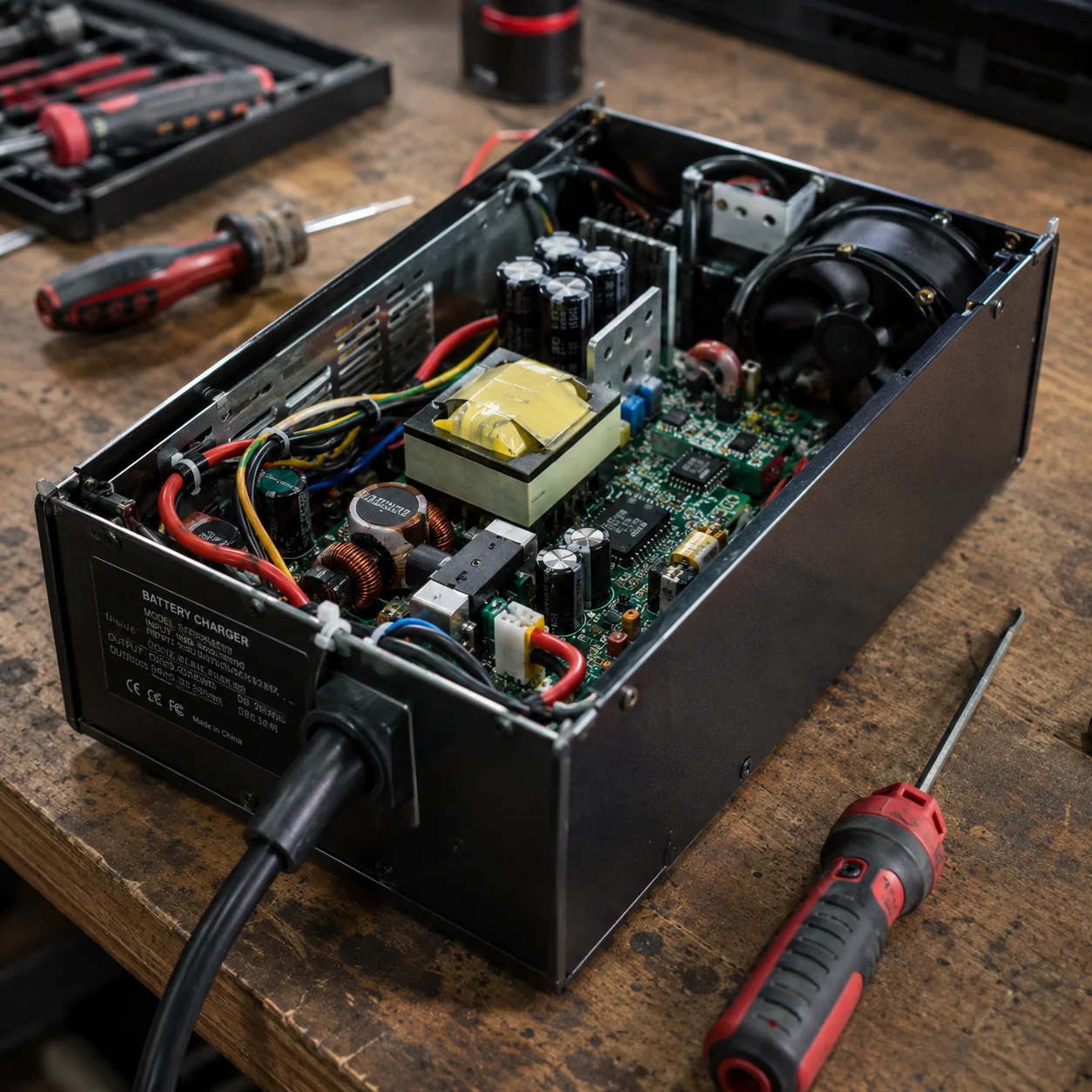
A golf cart charger is a relatively simple device, but it responds poorly to neglect. Batteries that are routinely run completely flat force the charger to work harder and longer each cycle, generating excess heat that degrades internal components over time. In a warm climate like The Villages, ambient heat compounds the problem, so good habits here matter more than they would in a cooler region. Treating your charger with the same attention you give your cart's tires and brakes is the mindset shift that prevents most service calls.
The Core Charging Habits That Protect Your Equipment
Charge your cart after every use, even if you only drove a short distance. Lithium and lead-acid batteries both benefit from staying topped off rather than sitting at a partial or low state of charge. Letting a lead-acid pack drop below 50 percent repeatedly causes sulfation — a buildup on the battery plates that shortens overall battery life and forces the charger to push harder to recover the pack.
Avoid leaving the charger plugged in indefinitely once the charge cycle is complete. Most modern automatic chargers have a shutoff feature, but older or lower-quality units can trickle current continuously, which builds heat and wears out the charger's internal transformer. If your charger does not have an automatic shutoff, set a reminder to unplug it within an hour or two of a completed charge.
- Charge after every use, not just when the battery gauge reads low
- Do not let lead-acid batteries sit below 50 percent charge for more than a day
- Unplug the charger once the cycle finishes if your unit lacks auto-shutoff
- Never charge a visibly damaged or swollen battery pack
- Use only the charger designed for your specific battery voltage and chemistry
Six Quick Maintenance Checks to Do Every Month
Run through these checks once a month to catch small problems before they become expensive charger repairs.
Inspect the cord and plug:
Look for fraying, cracking, or discoloration along the entire cord length. A damaged cord is a fire risk and can cause inconsistent charging that confuses the charger's control board.
Clean the charging port:
Wipe the cart's charging receptacle with a dry cloth and check for corrosion or bent pins. Dirty or corroded contacts force the charger to work harder and can cause it to fault out mid-cycle.
Check for heat after charging:
Touch the charger housing shortly after a completed cycle. Warm is normal; hot to the touch signals a ventilation problem or an internal fault worth investigating.
Listen for unusual sounds:
A healthy charger hums quietly. Buzzing, clicking, or intermittent fan noise can indicate a failing capacitor or relay that will eventually cause a no-charge condition.
Verify the charge indicator:
Confirm that the charger's indicator light or display progresses normally through a cycle. A charger that jumps immediately to a full-charge reading without actually charging the pack has a sensor or board issue.
Store it off the ground:
Keep the charger on a shelf or hook rather than on a garage floor where moisture, pests, and foot traffic can cause damage over time.
Seasonal Storage and Long Absences in The Villages
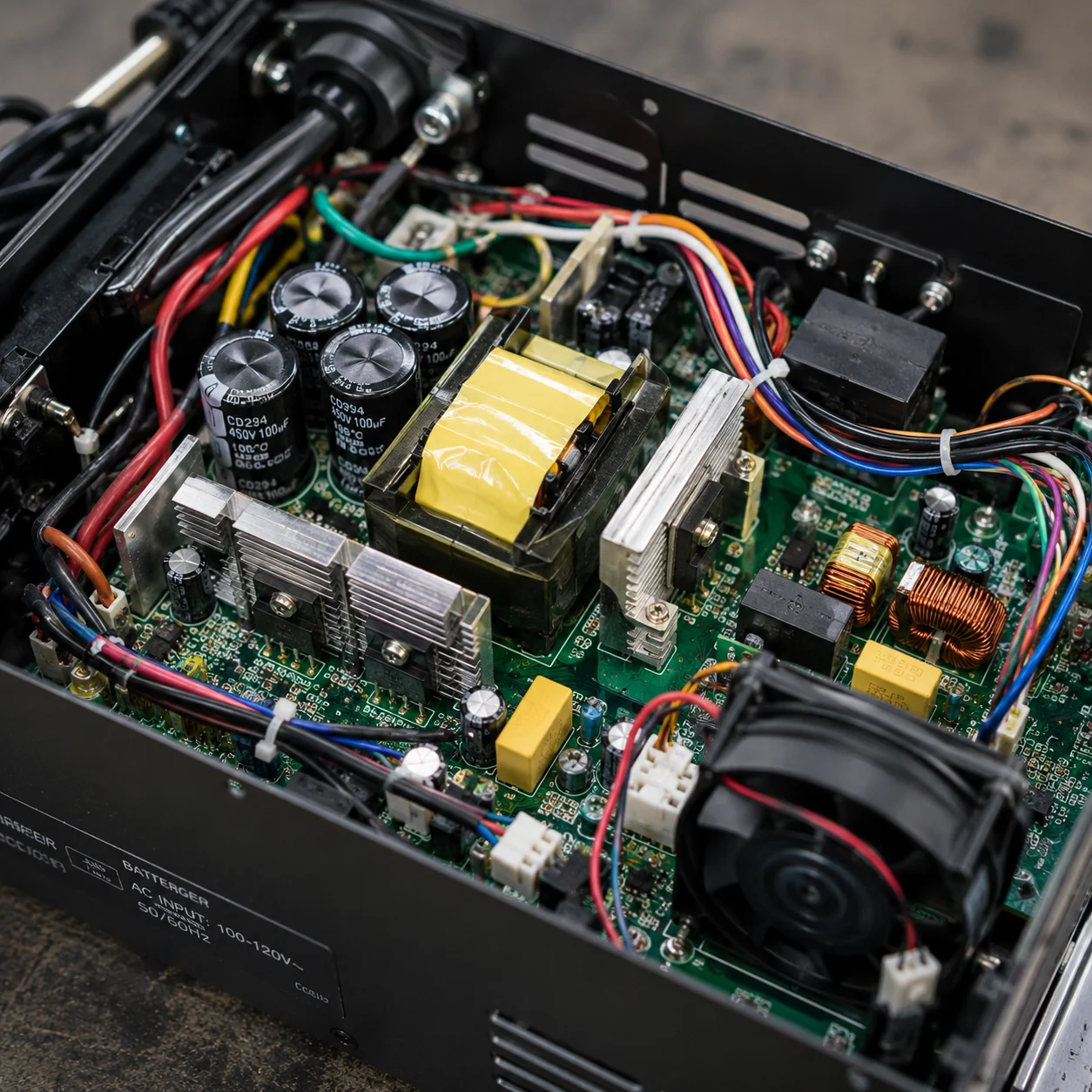
Many residents split their time between The Villages and a northern home, leaving their cart sitting for weeks or months at a stretch. Before a long absence, charge the batteries fully, then disconnect the charger and store it indoors in a dry location away from direct sunlight. For lead-acid carts, ask a neighbor or property manager to run a top-off charge every three to four weeks while you are away, because a deeply discharged pack can permanently damage both the batteries and the charger when you return and attempt to recover them. When you come back, inspect the charger connections before plugging in and watch the first full cycle closely for any signs of overheating or abnormal behavior.
Related Guides
Previous: Golf Cart Charger Repair vs. Replacement: How to Make the Right Call | Next: Golf Cart Charger Troubleshooting: Fuses, Reset Buttons, and DIY Fixes
Frequently Asked Questions
How often should I replace my golf cart charger?
A well-maintained charger on a Club Car, Yamaha, or EZ-GO cart typically lasts eight to twelve years. If yours is showing signs of inconsistent charging, excessive heat, or error codes before that point, the issue is usually a repairable component rather than a full replacement. Have a technician diagnose it before spending money on a new unit.
Can I use any charger as long as the plug fits?
No. Chargers are matched to a specific battery voltage and chemistry — a 36-volt charger used on a 48-volt pack will not fully charge the batteries and can damage the charger's internal components over time. Always confirm the voltage rating and battery type before using a replacement or borrowed charger.
Why does my charger click on and off repeatedly during a charge cycle?
Repeated cycling usually means the charger is detecting a voltage irregularity and resetting itself. Common causes include a weak or failing battery cell, corroded connections at the battery terminals, or a fault in the charger's control board. Left unaddressed, this pattern accelerates wear on both the charger and the battery pack.
Is it safe to leave my golf cart plugged in overnight every night?
If your charger has a reliable automatic shutoff, overnight charging is generally fine and is actually the recommended routine for daily drivers. The risk comes with older chargers that lack shutoff protection or with units that have a faulty shutoff relay, which can allow continuous trickle charging that degrades the batteries and the charger.
What does it mean when my charger shows a fault code or error light?
Fault codes vary by brand, but they almost always indicate that the charger detected something outside its normal operating parameters — a battery voltage that is too low to accept a charge, a temperature limit exceeded, or an internal component failure. Check your owner's manual for the specific code meaning, and if the fault repeats after a reset, have the charger inspected rather than ignoring it.
When should I call a technician instead of troubleshooting myself?
If the charger produces no output at all, smells like burning plastic, shows physical damage to the housing, or repeatedly faults out despite clean connections and healthy batteries, it is time to call a professional. Attempting to open and repair a charger without electronics experience can cause further damage and creates a safety hazard. A qualified golf cart charger repair technician can usually diagnose the problem quickly and tell you whether a repair or replacement makes more financial sense.